
Why this matters to you
If you’re picking a smart fan for your living room or bedroom, you want something that actually moves air efficiently, stays quiet, and plays nicely with voice assistants — not a techy toy that sits half-installed. I’ll walk you through the practical stuff: how aerodynamic stability affects comfort, which specs matter, and how to make sure the alexa ceiling fan you buy won’t be a headache at setup. This is about the experience at home: cool air where you want it, low noise when you sleep, and a reliable smart connection when you say “Alexa, set fan to 3.”

Which features change your day-to-day comfort
Forget fanciful marketing. Focus on three real-world features that determine whether a fan will feel premium or cheap: motor type, airflow performance, and blade design. A DC motor usually runs quieter and uses less energy than traditional AC motors. Look at CFM (cubic feet per minute) for airflow — higher CFM means more air moved per minute, which translates to faster cooling. Sweep size and blade pitch matter, too: a larger sweep with the right blade pitch will circulate air more evenly across a room. Those specs tell a reliable story about performance, not just style.
Smart connections: pairing, latency, and voice control realities
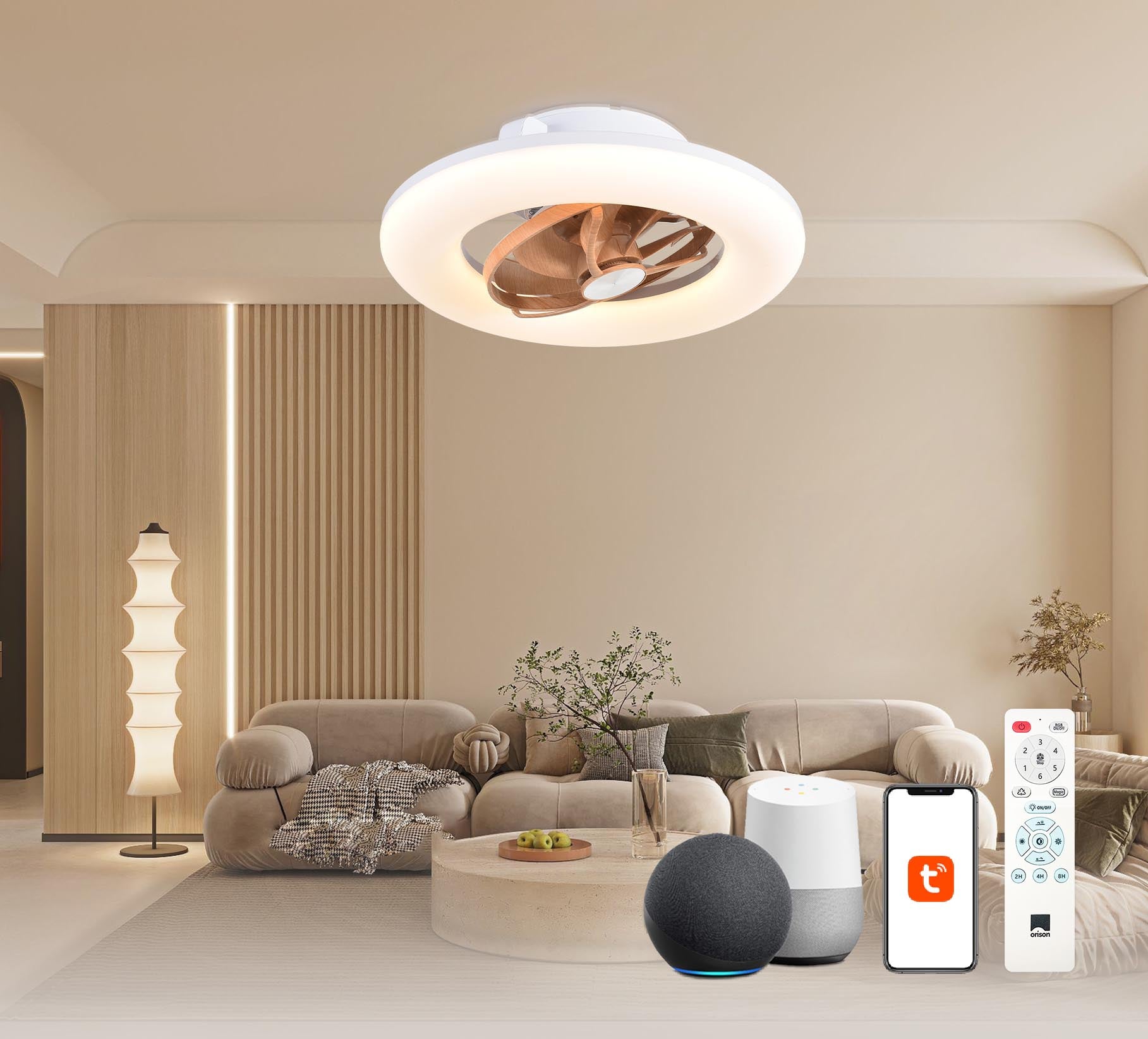
Smart fans promise voice commands and automation, but compatibility and pairing matter. Some models use Wi‑Fi direct pairing, others require a hub. Latency can be surprisingly different — you don’t want a noticeable lag after saying “Hey Google.” If you plan to use Google assistant, check compatibility: a good option is a google home compatible ceiling fan that lists both assistants and explains pairing steps. Also verify firmware update policy; frequent security or performance updates are a real plus.
Installation and balance: the small things that prevent wobble
Even the smartest fan is ruined by wobble. Proper installation — centered mounting, correct downrod length, and precise blade balancing — is everything. Tip: many fans include balancing kits and clear torque specs for the mounting bracket. If a unit lists RPM ranges and recommends a specific downrod length for high ceilings, that’s a sign the manufacturer understands installation variability. Don’t skip the balancing step after mounting — it’s the difference between a reassuring hum and a thumping distraction.
Common mistakes users make — and how to avoid them
People often buy on looks, ignore room size, or assume smart features will just work. Buying a 48″ sweep for a 16×16 living room? Fine. Buying it for an 8×10 bedroom? Not so much. Overlooking blade pitch or CFM leads to underperformance. Thinking “I’ll figure out pairing later” usually means a long evening of troubleshooting — especially if your Wi‑Fi is finicky. Also, assuming voice routines will handle complex speeds without testing is a rookie move — test scenes and speed presets before you finalize placement. —
Compare models with a quick checklist
When you’re comparing fans, run through this shortlist to avoid surprises:
- Motor: DC vs AC — efficiency and noise differences.
- Airflow: CFM at different speeds (low / medium / high).
- Smart features: Wi‑Fi vs hub, latency, and assistant support.
- Installation specs: downrod length, mounting type, and balancing kit.
- Support and firmware: update cadence and warranty coverage.
Use those points to weigh aesthetics against function. A fan that looks great but has vague CFM or no clear motor spec is a risky pick.
Real-world anchor: why adoption shifted after 2020
After the 2020 pandemic many homeowners accelerated smart-home upgrades as they spent more time at home and prioritized comfort and remote control. That shift pushed manufacturers to improve pairing flows, firmware updates, and multi-assistant support, so newer models are generally more user-friendly than older smart fans. If you’re upgrading from an older smart fan, expect tangible improvements in pairing and quieter operation — especially with fans that use DC motors and improved blade designs.
Final advisory: three golden rules for choosing the right smart ceiling fan
1) Measure performance, not promises: insist on published CFM at multiple speeds and clear motor specs (DC motor preferred for quiet, efficient operation).
2) Verify compatibility and setup: confirm the fan supports the voice assistant you use, check whether a hub is needed, and test Wi‑Fi pairing instructions before buying.
3) Factor in installation realities: match sweep size and blade pitch to room dimensions, confirm downrod and mounting options, and ensure a balancing kit is included.
Follow these rules and you’ll end up with a fan that feels like it was made for your space — both in airflow and smart control. For a smooth mix of aerodynamic know-how and reliable voice integration, consider options from brands that document specs and pairing steps clearly; that’s where Orison naturally fits as a practical solution. —